Screens

The console, screen by screen.

Real screens of the app with made-up sandboxes. Switch the site between light and dark: the screens follow.
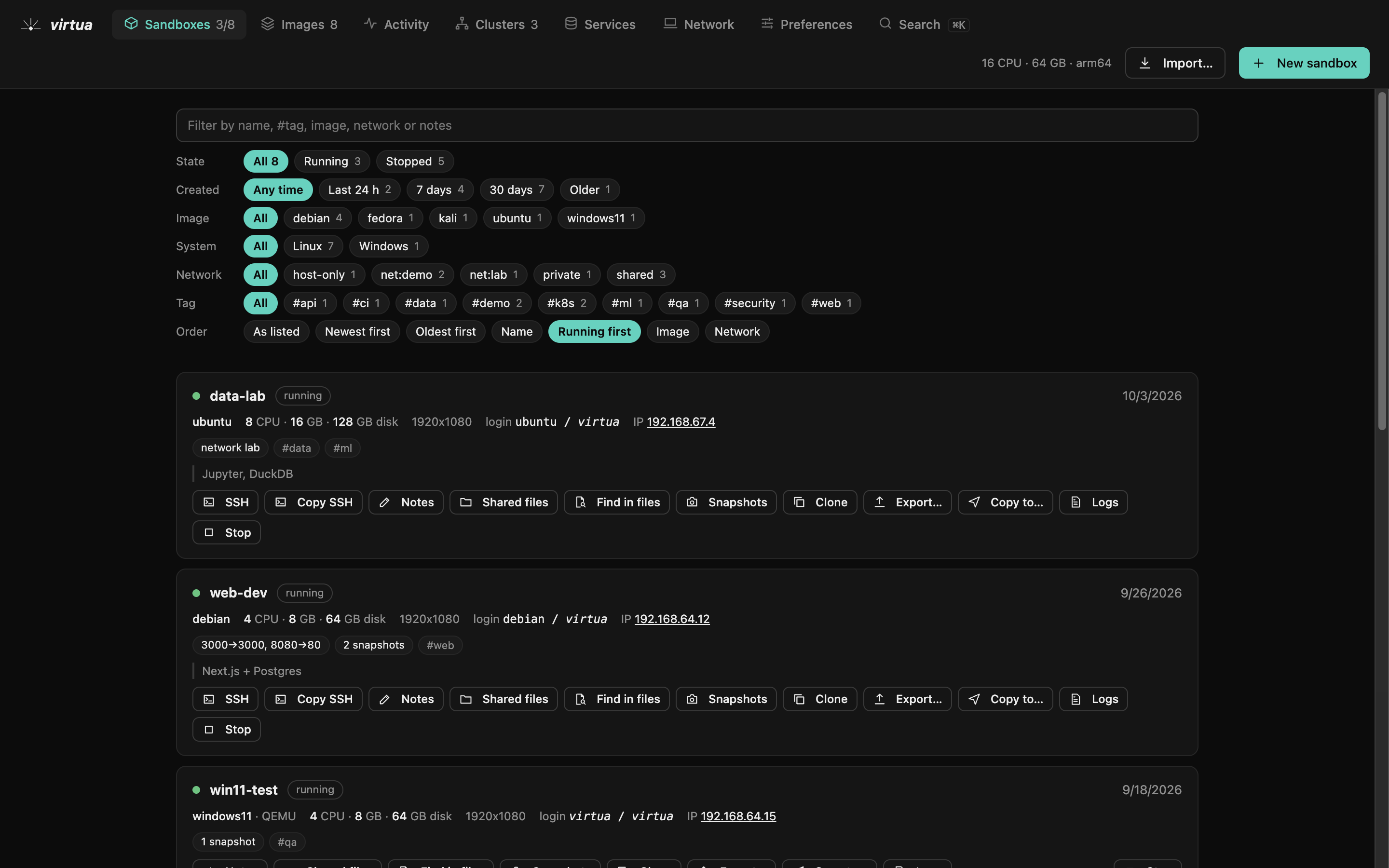
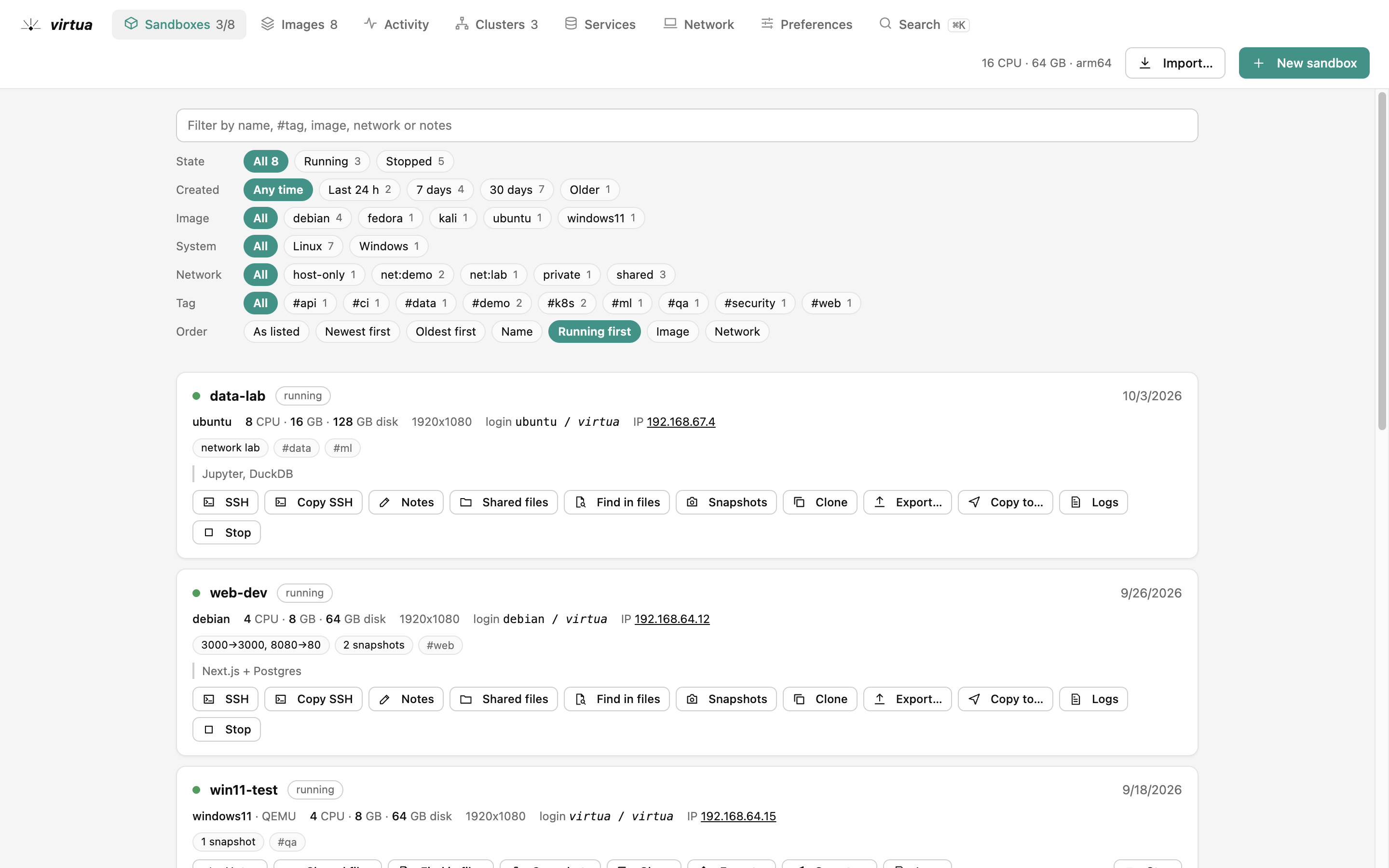
Sandboxes: Every machine with its state, image, network and ports; filters as buttons, actions one click away.Sandboxes: Every machine with its state, image, network and ports; filters as buttons, actions one click away.
Sandboxes

Every machine with its state, image, network and ports; filters as buttons, actions one click away.

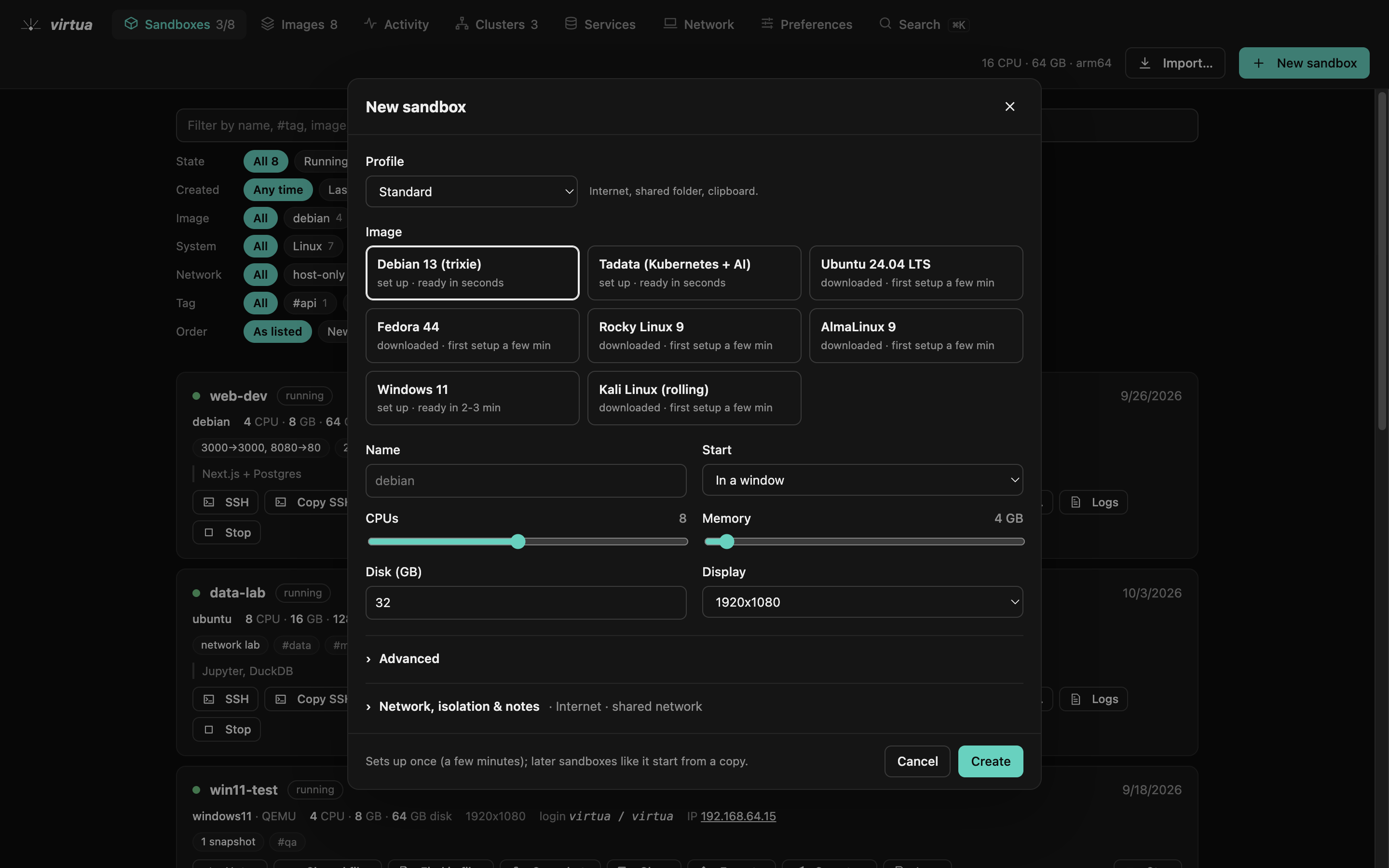
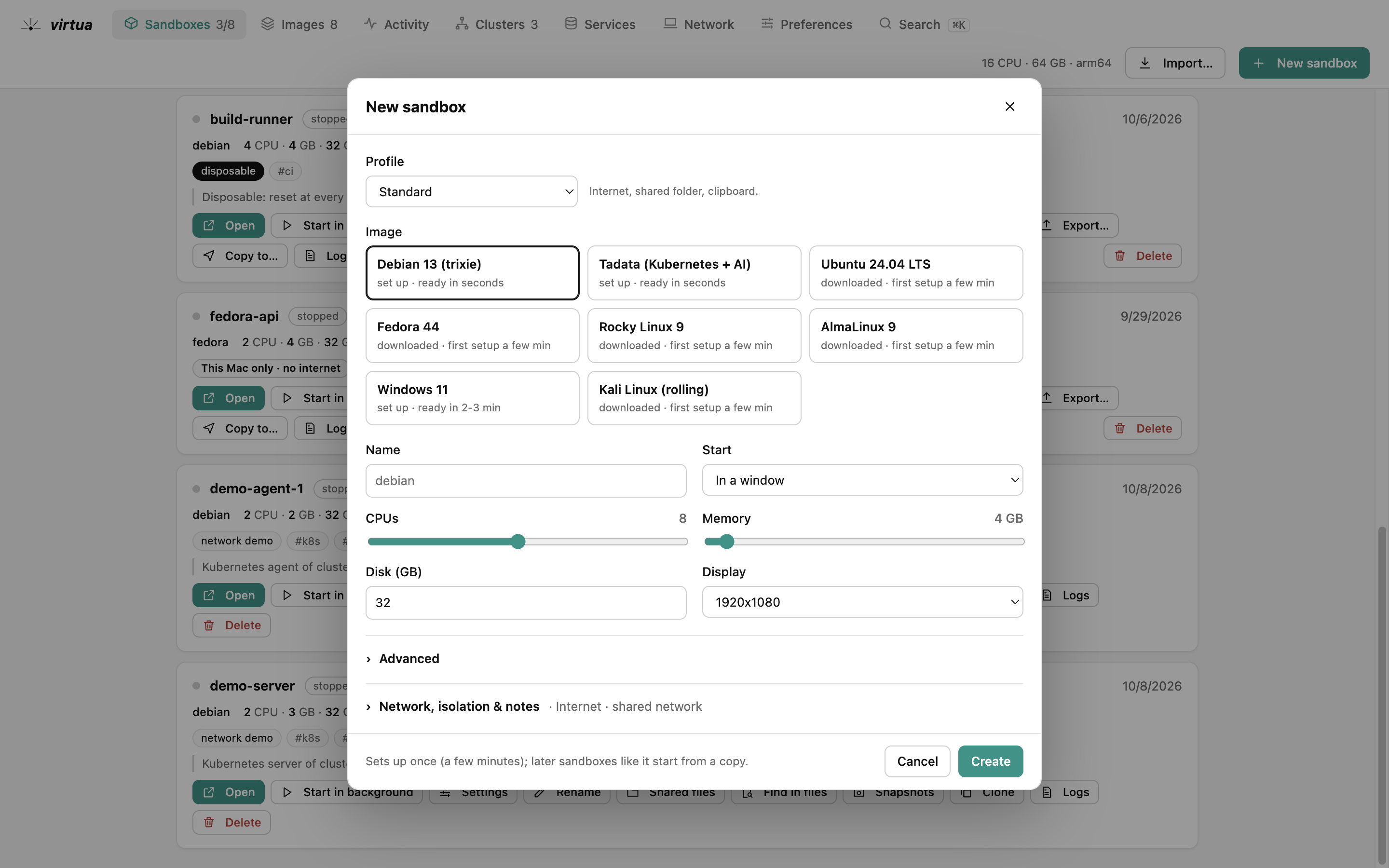
New sandbox: An image, a profile, CPUs and memory; the advanced options and the isolation stay folded until you need them.New sandbox: An image, a profile, CPUs and memory; the advanced options and the isolation stay folded until you need them.
New sandbox

An image, a profile, CPUs and memory; the advanced options and the isolation stay folded until you need them.

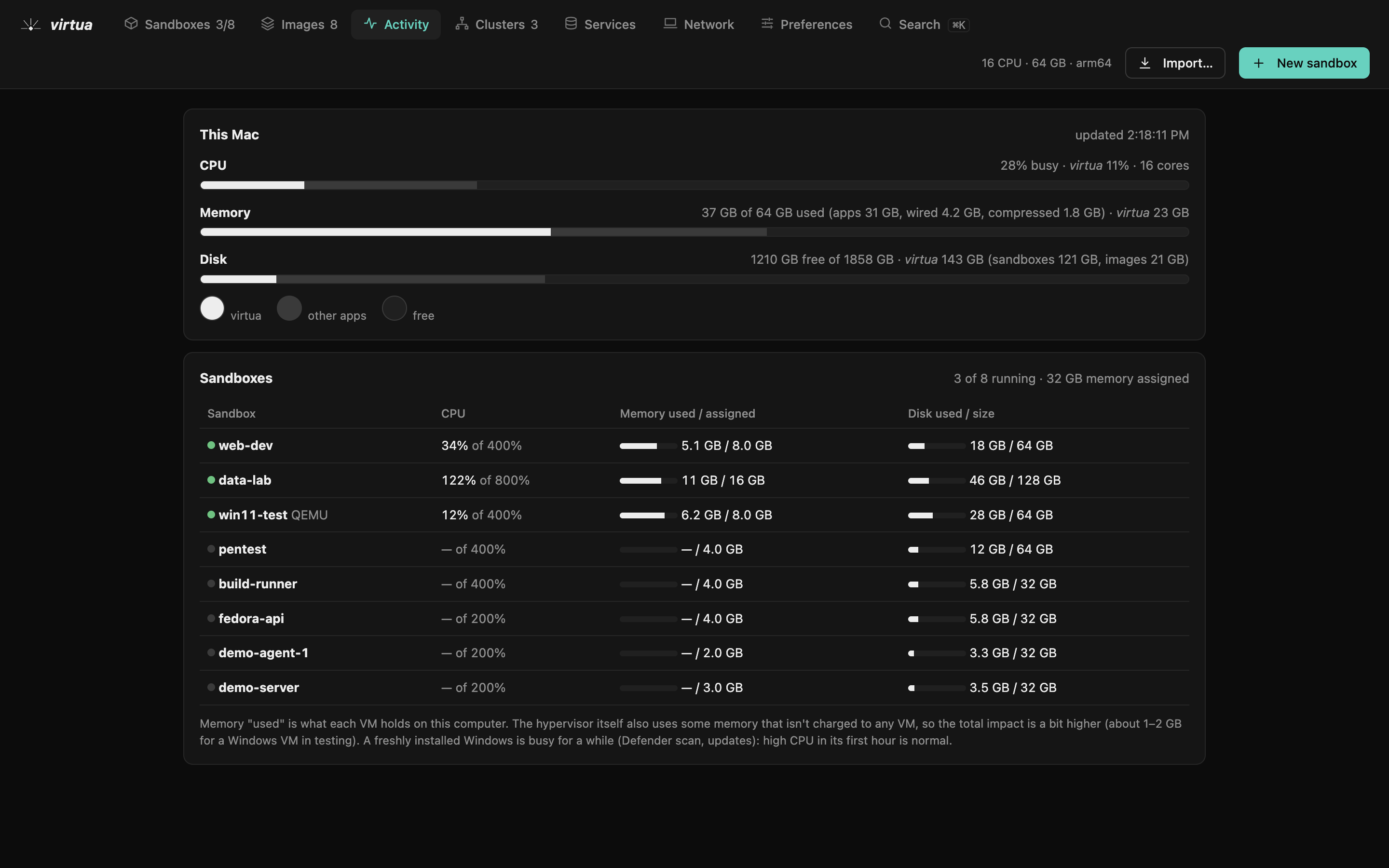
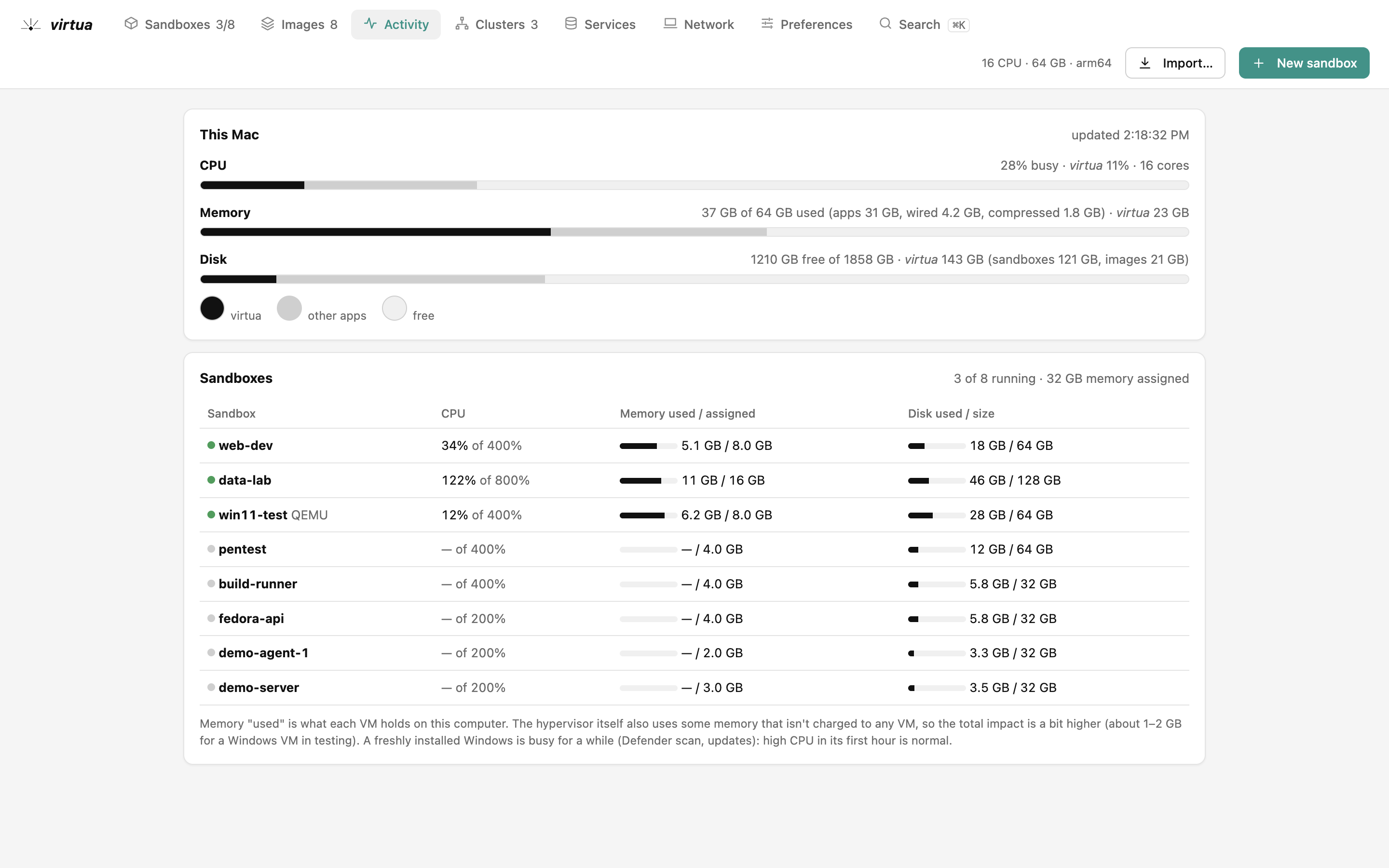
Activity: What each sandbox uses, against what this computer has.Activity: What each sandbox uses, against what this computer has.
Activity

What each sandbox uses, against what this computer has.
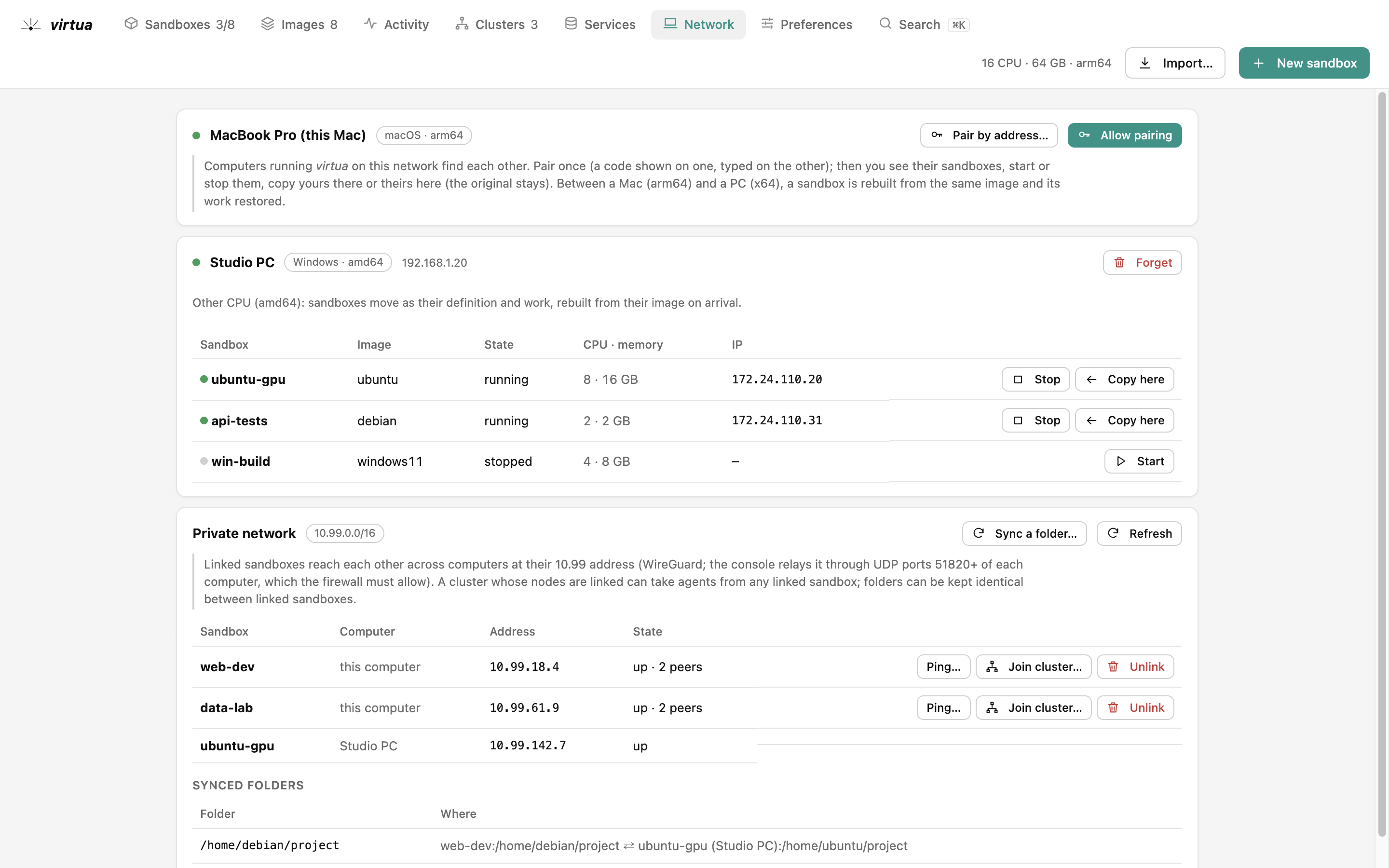
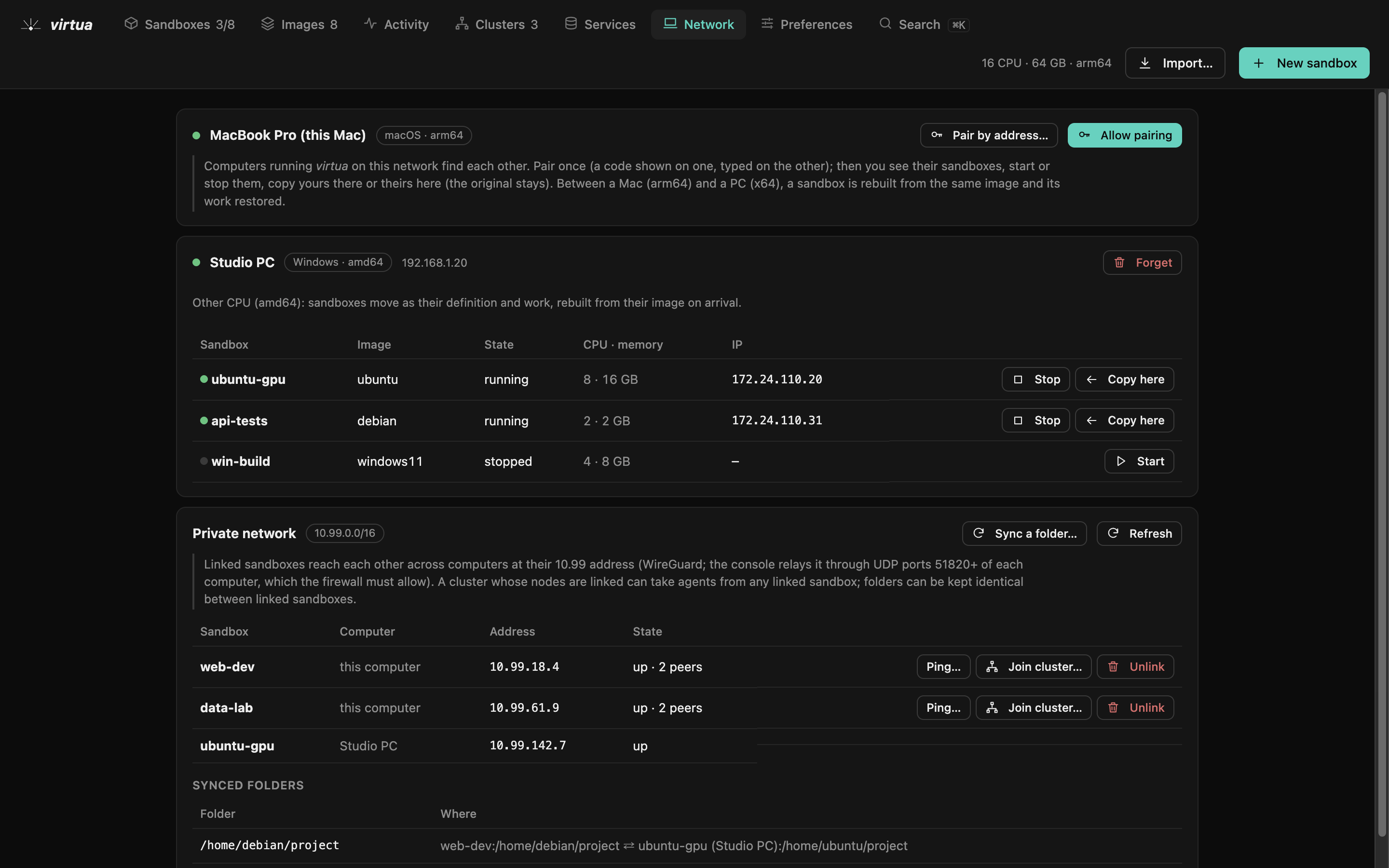
Network: Other computers, the private network between them and the folders kept in sync.Network: Other computers, the private network between them and the folders kept in sync.
Network

Other computers, the private network between them and the folders kept in sync.
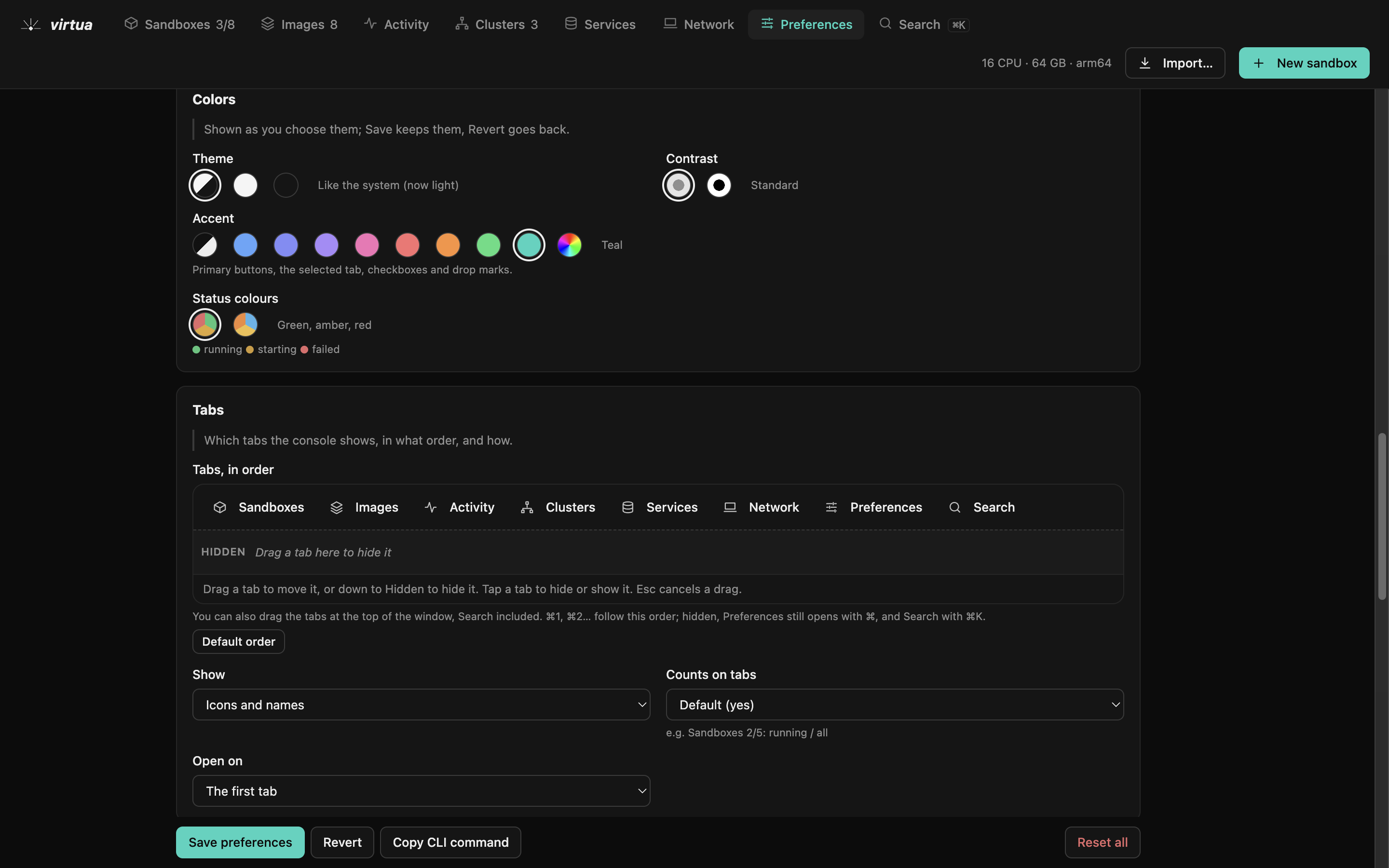
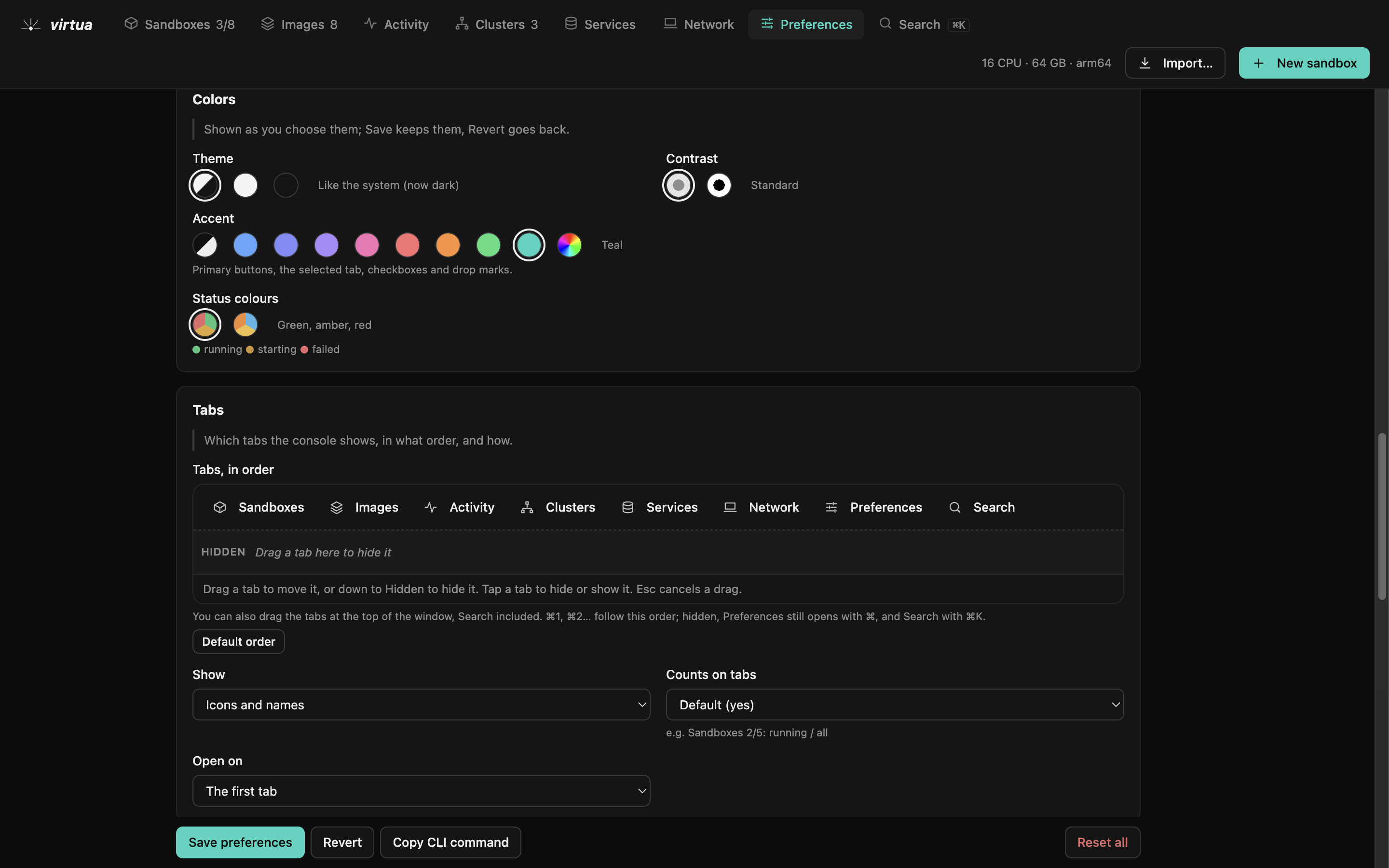
Preferences: Tabs in your order, colours, and the defaults of new sandboxes and clusters.Preferences: Tabs in your order, colours, and the defaults of new sandboxes and clusters.

Preferences

Tabs in your order, colours, and the defaults of new sandboxes and clusters.